Skills Record
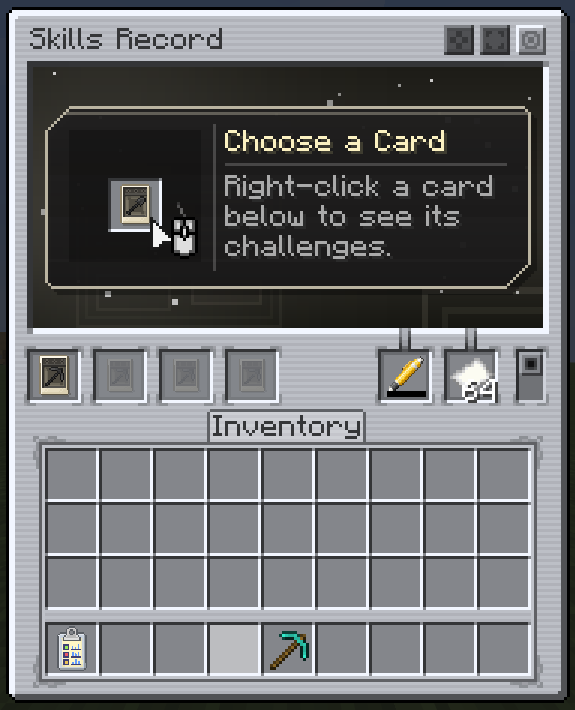
The Skills Record is the book your cards live in. It shows their challenges, and it is what turns your mining into progress: a card only advances while it is in a record you carry.
Crafting
| Item | Recipe |
|---|---|
| Skills Record | An empty Mining Skill Card between two papers, an iron ingot and two iron nuggets above, three planks below. |
| Ink Chamber | Red, green and blue dye in a row, with iron ingots and nuggets above and below. |
| Pen | An Ink Chamber surrounded by gold ingots, with a slime ball and an iron nugget at the corners. |
What goes inside
- Mining Skill Cards in the card slots.
- A Pen. Progress is written with its ink; without ink nothing is recorded. Refill it by crafting it with pigments (the more valuable the pigment, the more ink).
- Paper. Each challenge point has a chance to use up a sheet.
Carry the record in your inventory, or in its Curios or Trinkets slot when one of those mods is installed. With one of them, the Open Skills Record key (R by default) opens it from anywhere.
The card viewer
Right-click a card inside the record to open its viewer: a map of the card's tiers and challenges that you can drag to pan and scroll to zoom.
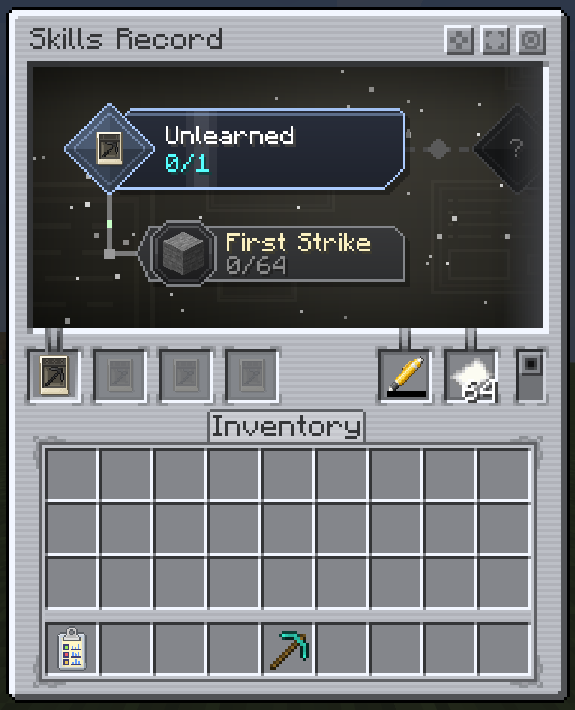
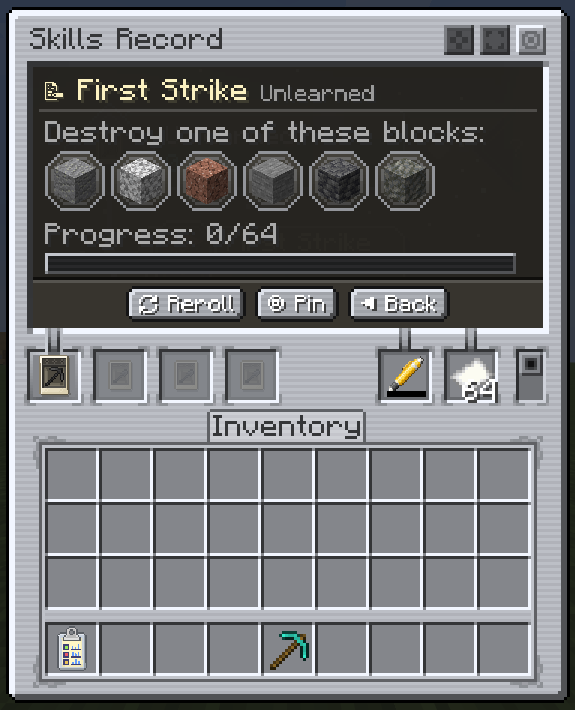
- Click a challenge for its details: what to do, on which blocks, and how far you are.
- Pin challenges to show them on your HUD while you play.
- Reroll a challenge you haven't started, while the tier has rerolls left.
- When a tier's reward is ready, claim its Shape Certificate here and pick the shape you want.
Dyeing
Craft a Skills Record with any dye to color it. The book's cover, the screen's tint and emblem, and the card viewer's background effect all follow the dye. An undyed record is the white edition.
Settings
The gear button in the record opens its settings: animations, text shadow and where pinned challenges sit on the HUD. They are the skills_record group of the client config.