Getting Started
Installing
Download FTB Ultimine Addition from CurseForge for your Minecraft version and loader, and put it in your mods folder together with the mods it requires.
| Requires | Where |
|---|---|
| FTB Ultimine (it brings FTB Library) | CurseForge |
| CoolCatLib: Core | CurseForge · Modrinth |
| CoolCatLib: Canvas | CurseForge · Modrinth |
| Fabric API (Fabric only) | CurseForge · Modrinth |
On 1.21.1 and 1.20.1 the Fabric versions also need Forge Config API Port.
Optional:
- JEI shows the mod's recipes and how each item is obtained.
- Curios (NeoForge and Forge) or Trinkets (Fabric) add a slot for the Skills Record, so it doesn't take inventory space.
- Glazed Menu or Configured give
/ultimine_addition configits in-game editor screens.
Your first Ultimine
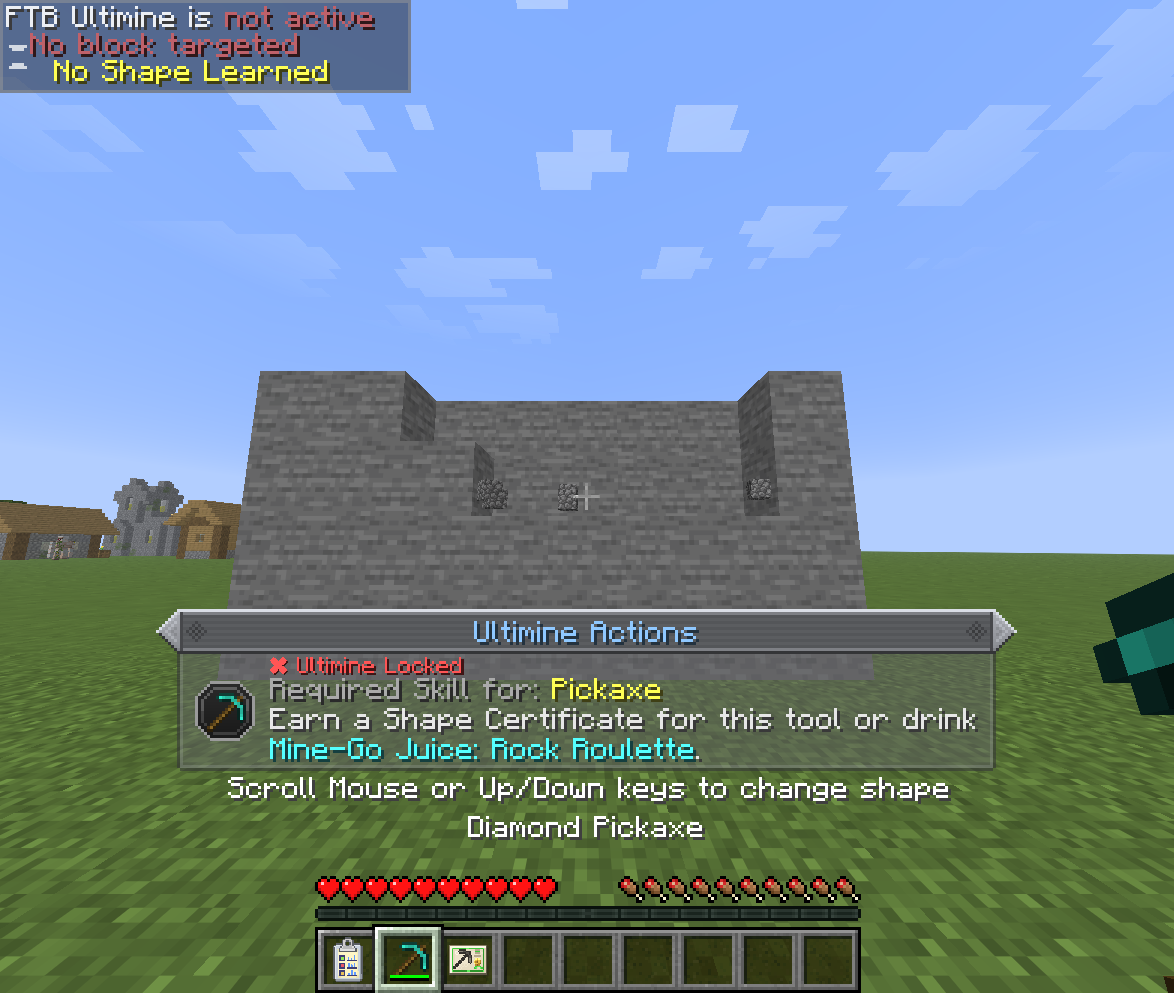
With the mod installed, holding the Ultimine key does nothing at first: a notice above the hotbar tells you what you still need.
This is the usual road, and the walkthrough shows every step with screenshots:
- Craft an empty Mining Skill Card. Paper around a token of each tool's work: copper, iron or coal for the pickaxe, dirt for the shovel, a log for the axe and seeds for the hoe.
- Turn it into a tool's card by crafting it with that tool (a pickaxe, axe, shovel or hoe).
- Craft a Skills Record, a Pen and an Ink Chamber. The Pen needs the Ink Chamber, and the Skills Record needs an empty card.
- Put the card, the Pen and some paper in the Skills Record and keep the record on you. The card's challenges appear in the record.
- Complete the challenges with the card's tool. When every challenge of a tier is done, the card moves up a tier and gets new ones.
- Claim a Shape Certificate each time the card reaches a new tier, and use it: that shape is yours for that tool, for good.
- Master all four cards and craft them with paper into the Miner Certificate, which unlocks Ultimine with every shape and any item.
Along the way a card can be brewed into Mine-Go Juice for a temporary, full Ultimine with its tool.
Recipes
Install JEI to see every recipe in game. The item pages there also explain how each item is obtained.
Keys
| Key | Default | Does |
|---|---|---|
| Open Skills Record | R | Opens the Skills Record in its Curios or Trinkets slot. Only there when one of those mods is installed. |
| Undo Ultimine | Ctrl+Z | Previews and confirms undoing your last Ultimine. |
Both are under FTB Ultimine Addition in the controls screen. Ultimine itself still uses FTB Ultimine's own key.
Playstyle modes
The server setting general.playstyle_mode picks the rules:
- Modern (the default): everything on these pages. Cards, the Skills Record, certificates and Mine-Go Juice.
- Legacy: the original rules. A Completion Envelope is crafted from paper and four tools, asks you to mine a number of ores, and then opens into the Miner Certificate. Cards and the other items are disabled.
Changing the mode applies at once, and players on a server play by the server's mode.